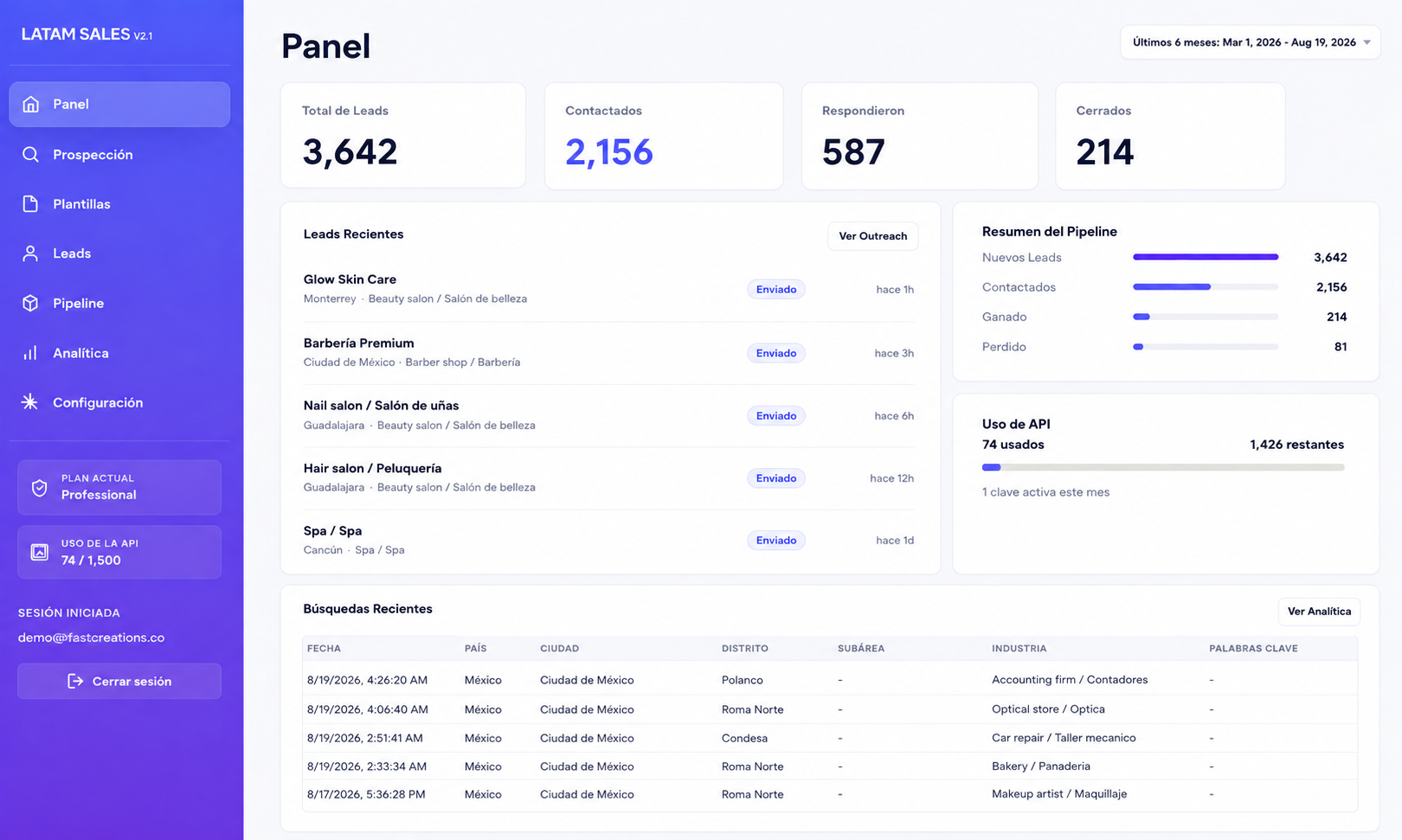
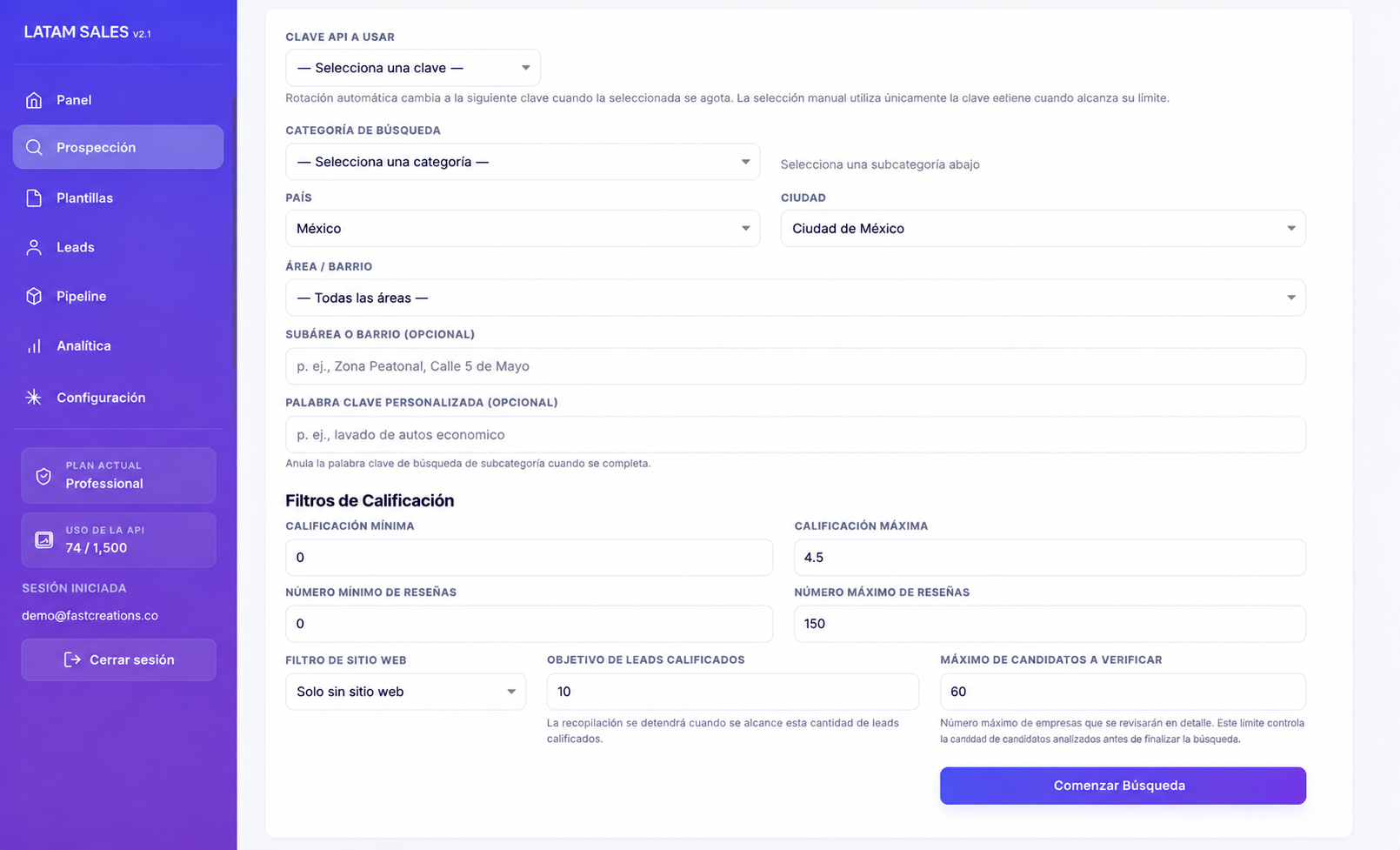
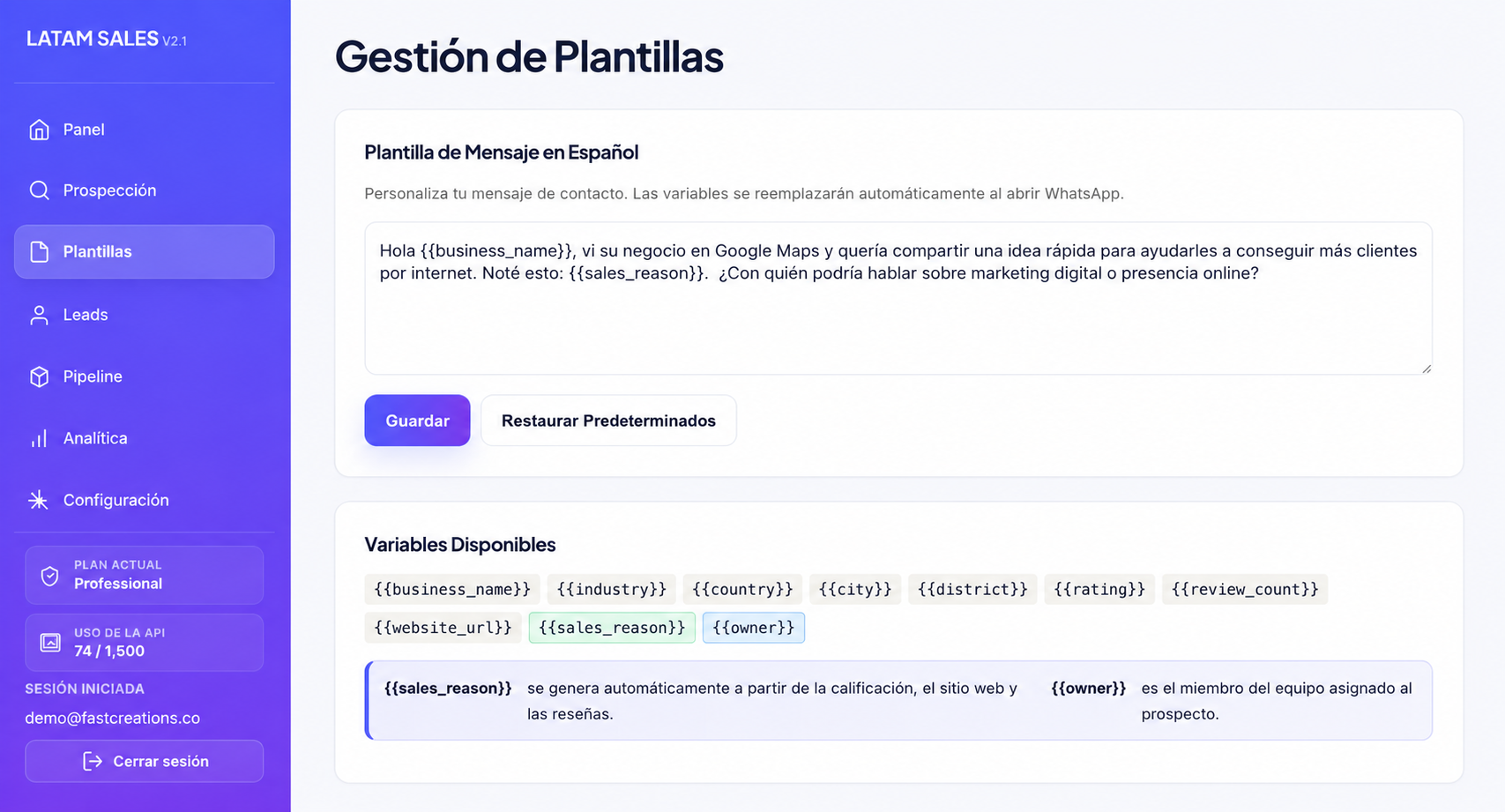
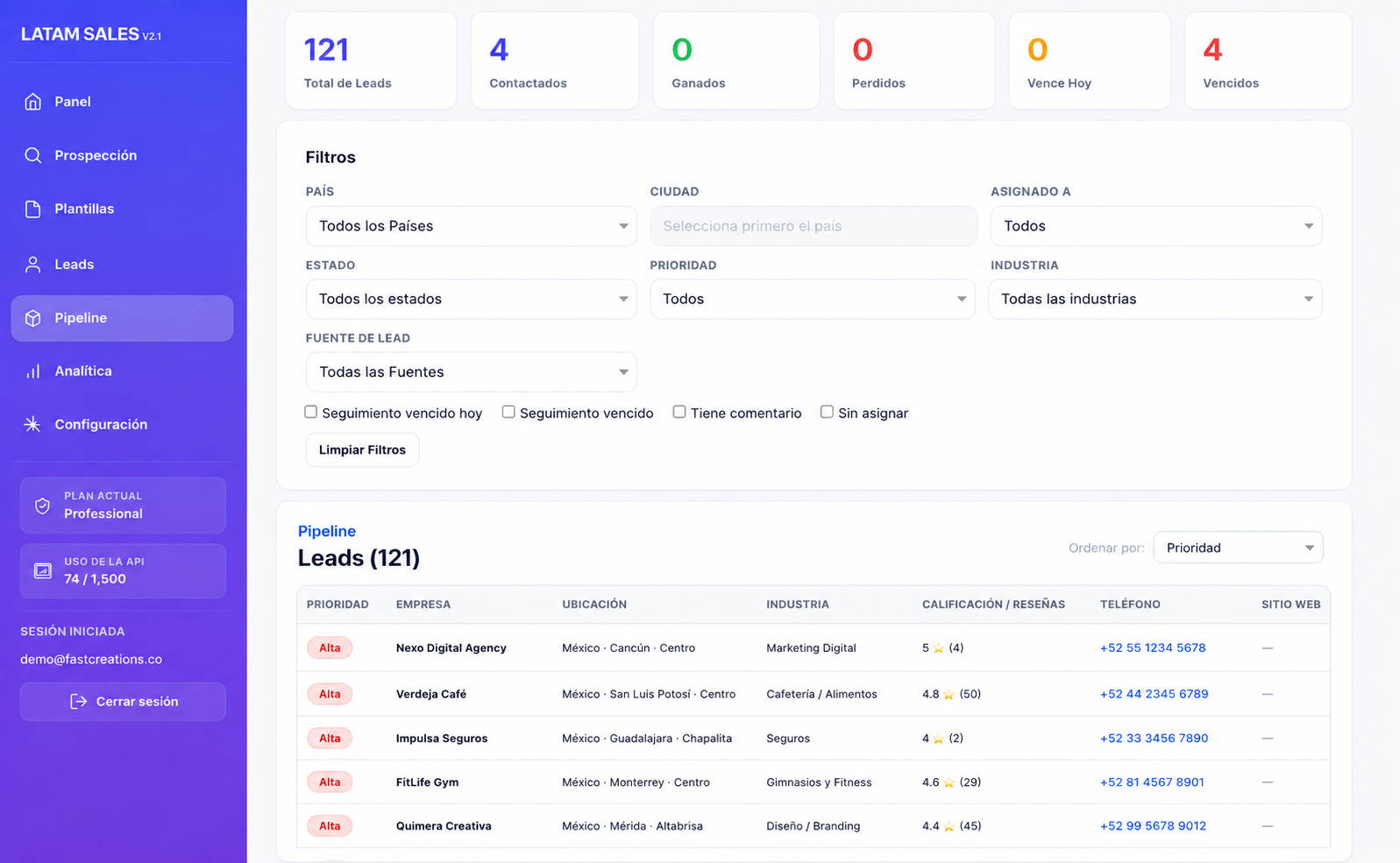
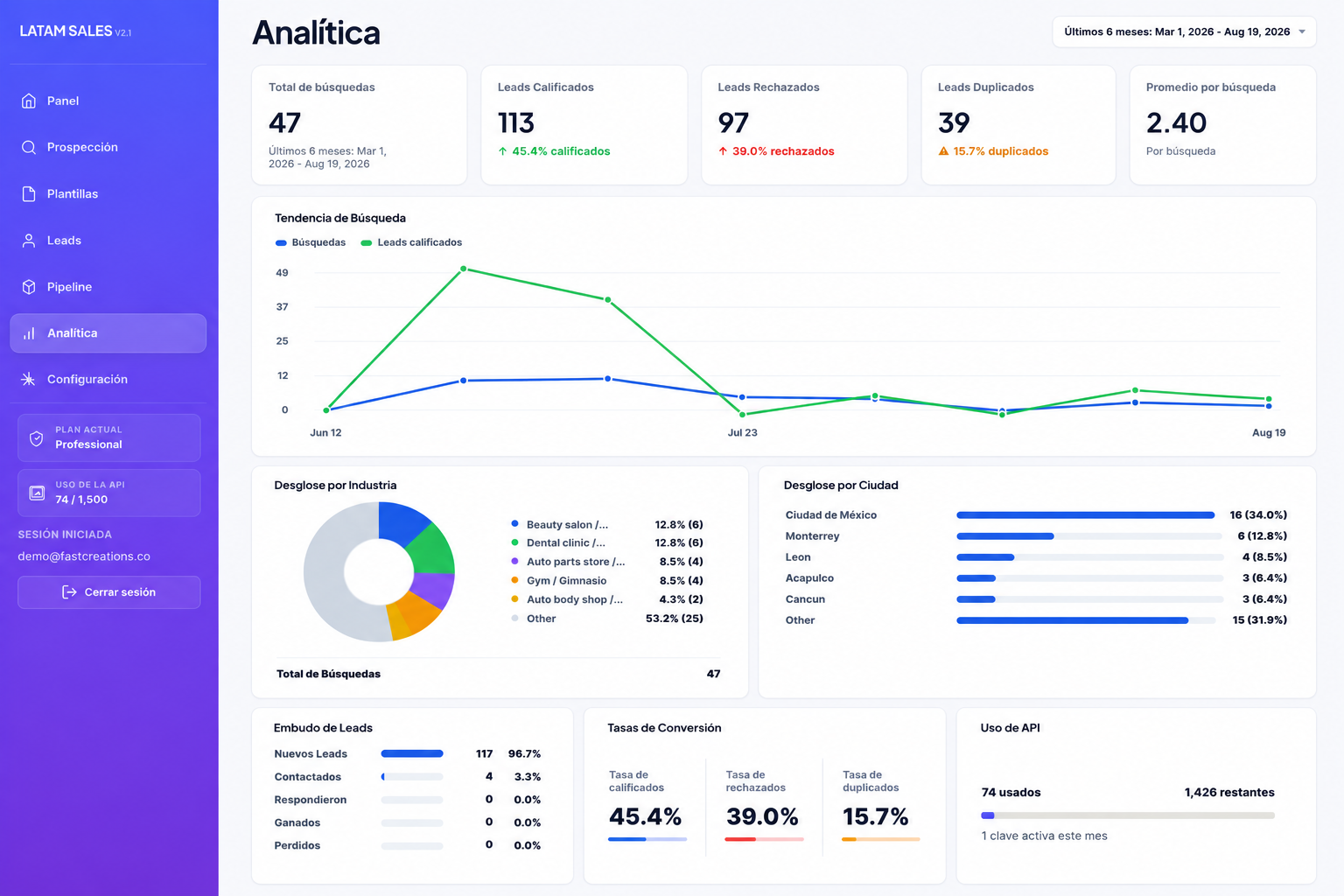
Estos Términos de Servicio regulan el acceso y uso de LATAM SALES, una plataforma de software como servicio (SaaS) operada por YobuComi Tech S.A.P. de C.V. bajo la marca FastCreations.
Al registrarte, contratar un plan o utilizar LATAM SALES, aceptas estos Términos de Servicio.
1. Servicio
LATAM SALES es una plataforma orientada a apoyar actividades de prospección y gestión comercial B2B mediante herramientas para buscar, organizar y gestionar información de empresas y oportunidades comerciales.
Las funciones disponibles pueden variar según el plan contratado y podrán ser modificadas, actualizadas o ampliadas con el tiempo.
2. Cuenta de usuario
Para utilizar determinadas funciones de LATAM SALES puede ser necesario crear una cuenta.
El usuario es responsable de proporcionar información correcta y de mantener la confidencialidad de sus credenciales de acceso.
No está permitido utilizar cuentas de terceros sin autorización ni realizar actividades destinadas a obtener acceso no autorizado a la plataforma.
3. Planes, precios y pagos
Los precios, períodos de contratación, funciones y límites aplicables serán los indicados en LATAM SALES al momento de contratar el servicio.
Algunas funciones o límites de uso pueden variar según el plan contratado.
Los pagos pueden ser procesados mediante proveedores de pago externos. El usuario es responsable de proporcionar información de pago válida y suficiente para completar las operaciones correspondientes.
4. Servicios de terceros
Algunas funciones de LATAM SALES pueden depender de servicios proporcionados por terceros.
Cuando una función requiera que el usuario proporcione sus propias cuentas, credenciales o claves API de terceros, el usuario será responsable de mantenerlas activas y de cumplir con las condiciones aplicables del proveedor correspondiente.
Los cargos realizados directamente por proveedores externos no forman parte del precio de LATAM SALES, salvo que se indique expresamente lo contrario.
LATAM SALES no controla los cambios, interrupciones o modificaciones realizadas por dichos proveedores externos.
5. Contratación, renovación y cancelación
La duración, renovación y demás condiciones de cada suscripción serán las mostradas al usuario al momento de contratar el servicio.
Cuando corresponda una renovación automática, esta se realizará conforme a las condiciones informadas al usuario durante la contratación.
El usuario podrá cancelar su suscripción mediante los mecanismos disponibles en LATAM SALES.
La cancelación impedirá futuras renovaciones conforme a las condiciones aplicables a la suscripción contratada.
Las condiciones relativas a reembolsos se regulan en nuestra Política de Reembolsos.
6. Uso permitido
El usuario se compromete a utilizar LATAM SALES de forma lícita y de acuerdo con estos Términos.
No está permitido:
- utilizar la plataforma para actividades ilegales;
- intentar acceder sin autorización a sistemas, cuentas o datos;
- interferir con el funcionamiento o la seguridad del servicio;
- intentar eludir límites o restricciones aplicables al servicio;
- utilizar la plataforma de forma que infrinja derechos de terceros; o
- utilizar sistemas automatizados de manera abusiva o contraria a las condiciones del servicio.
Podremos limitar o suspender el acceso cuando detectemos un uso que incumpla estos Términos o que pueda afectar la seguridad o funcionamiento de LATAM SALES.
7. Uso de información comercial
LATAM SALES proporciona herramientas que facilitan la búsqueda y gestión de información comercial.
El usuario es responsable del uso posterior que realice de dicha información, incluyendo sus actividades de prospección, contacto y marketing.
El usuario deberá cumplir con las leyes y regulaciones aplicables en materia de protección de datos, comunicaciones comerciales, publicidad y demás normas correspondientes a su actividad y jurisdicción.
8. Información y resultados
Parte de la información mostrada en LATAM SALES puede provenir de fuentes o servicios de terceros.
Aunque buscamos proporcionar un servicio útil y confiable, no garantizamos que toda la información disponible sea completa, exacta o se encuentre permanentemente actualizada.
LATAM SALES tampoco garantiza resultados comerciales específicos, incluyendo ventas, contratos, respuestas de prospectos o cualquier otro resultado derivado del uso de la plataforma.
9. Propiedad intelectual
LATAM SALES, incluyendo su software, diseño, identidad visual, marca y demás elementos propios de la plataforma, está protegido por los derechos de propiedad intelectual aplicables.
El uso del servicio no transfiere al usuario derechos de propiedad sobre LATAM SALES.
Los derechos sobre la información o contenido que pertenezcan legítimamente al usuario no se transfieren a LATAM SALES por el simple uso de la plataforma.
10. Disponibilidad y cambios del servicio
Podemos realizar mantenimiento, actualizaciones o cambios necesarios para mejorar, proteger o mantener LATAM SALES.
El servicio también puede verse temporalmente afectado por fallos de infraestructura, proveedores externos, servicios de Internet u otras circunstancias fuera de nuestro control razonable.
No garantizamos una disponibilidad ininterrumpida del servicio.
11. Responsabilidad
LATAM SALES será responsable únicamente en la medida establecida por la legislación aplicable.
Nada de estos Términos pretende excluir o limitar derechos o responsabilidades que legalmente no puedan ser excluidos o limitados.
El usuario es responsable de las decisiones comerciales y del uso que realice de la información obtenida mediante la plataforma.
12. Suspensión o terminación
Podremos suspender o limitar el acceso a LATAM SALES cuando exista incumplimiento de estos Términos, falta de pago, uso fraudulento, actividad ilegal o riesgos para la seguridad o funcionamiento del servicio.
El usuario podrá dejar de utilizar LATAM SALES o cancelar su suscripción mediante los mecanismos disponibles en la plataforma.
13. Privacidad y reembolsos
El tratamiento de datos personales se regula mediante nuestra Política de Privacidad.
Las condiciones relacionadas con devoluciones y reembolsos se regulan mediante nuestra Política de Reembolsos.
14. Modificaciones de estos Términos
Podemos actualizar estos Términos cuando sea necesario debido a cambios legales, operativos o relacionados con el servicio.
Cuando los cambios sean relevantes, procuraremos comunicarlos mediante LATAM SALES, correo electrónico u otro medio adecuado.
15. Legislación aplicable
Estos Términos se regirán principalmente por las leyes aplicables de México.
Lo anterior no limita los derechos obligatorios que puedan corresponder al usuario conforme a las leyes de protección al consumidor u otras disposiciones imperativas aplicables en su lugar de residencia.
16. Contacto
LATAM SALES es operado por:
YobuComi Tech S.A.P. de C.V.
Av. Paseo de la Reforma 42, Cuauhtémoc, 06040 Ciudad de México, México
Correo electrónico: support@fastcreations.co